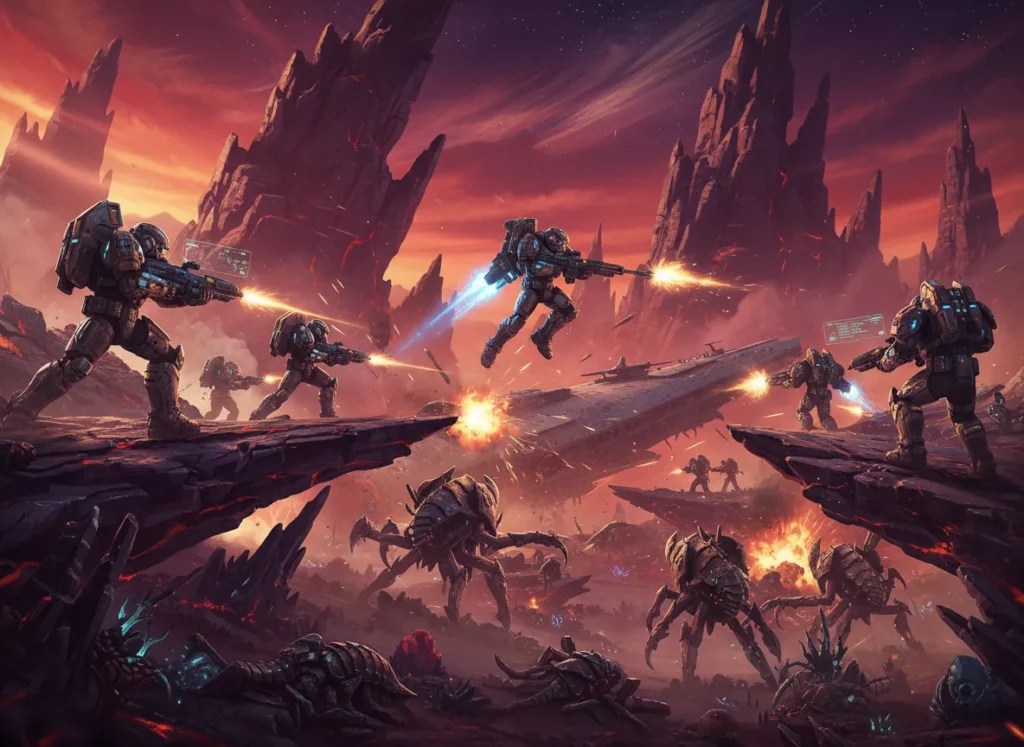
Helldivers 2 is an exhilarating co-op shooter that has captured the attention of players worldwide. However, like any game, it’s not without its share of challenges.
From performance issues to pesky bugs, these problems can sometimes hinder the gaming experience.
Fortunately, most of these issues have straightforward fixes, whether you’re dealing with connectivity troubles, crashes, or gameplay glitches.
This guide is here to help you identify and resolve the 10 most common Helldivers 2 problems, so you can get back to enjoying the action-packed universe without interruptions.
Read on to troubleshoot effectively and enhance your overall gaming experience!
1. “Servers at Capacity” Error
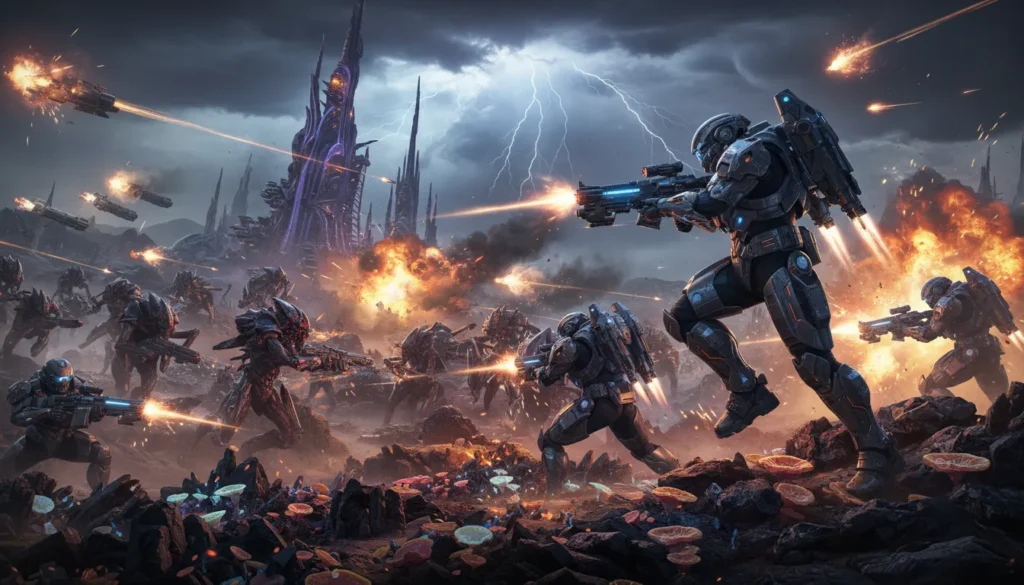
One of the most frustrating issues players face is the dreaded “Servers at Capacity” message. Due to the game’s massive popularity, the servers often struggle to handle the influx of players, especially during weekends or after major updates.
How to Fix It
Unfortunately, this is largely a server-side issue, but there are a few things you can try:
- Patience is Key: The game automatically retries connection every minute. Instead of spamming the login button, let the game attempt to let you in.
- Avoid Peak Times: If possible, try playing during off-peak hours for your region. Late nights or early mornings often have shorter queue times.
- Join a Friend: Some players report bypassing the queue by joining a friend who is already in-game via the Steam or PlayStation friends list. While not guaranteed, it’s a popular workaround.
- Restart the Game: Occasionally, the queue system glitches. A quick restart might refresh your connection status, though this puts you back at the end of the line.
Read Also: 11 First World Pokemon Problems (And Fixes)
2. Game Crashing on Startup (PC)
There is nothing worse than gearing up for a mission only to have the game crash before you even reach your ship. PC players, in particular, have reported frequent crashes upon launching the application.
How to Fix It
- Disable Steam Overlay: Go to your Steam Library, right-click Helldivers 2, select Properties, and toggle off “Enable the Steam Overlay while in-game.”
- Verify Game Files: In the same Properties menu, go to “Installed Files” and click “Verify integrity of game files.” This replaces any corrupted data.
- Run as Administrator: Navigate to the game’s installation folder (usually in steamapps/common/Helldivers 2/bin), right-click the helldivers2.exe, select Properties, go to the Compatibility tab, and check “Run this program as an administrator.”
- Update Drivers: Ensure your GPU drivers (NVIDIA or AMD) are up to date. Outdated drivers are a leading cause of startup crashes.
Read Also:14 Common Marvel Rivals Problems (With Fixes)
3. Black Screen on Launch
Similar to crashing, some players encounter a persistent black screen when they boot up the game. You might hear audio, but the visual feed is completely dark.
How to Fix It
- Wait It Out: Sometimes, the game is simply taking a long time to communicate with the servers. Give it a few minutes.
- Delete User Config File: Go to C:\Users\[Your Username]\AppData\Roaming\Arrowhead\Helldivers2 and delete the user_settings.config file. The game will generate a new one upon launch. Note: This will reset your in-game settings.
- Switch to Windowed Mode: If you can modify launch options in Steam, try forcing windowed mode to see if it bypasses the display conflict.
Read Also:12 Common First World Pokémon Problems (With Fixes)
4. Matchmaking Not Working
Helldivers 2 is built on cooperative play, so when matchmaking fails, the game loses a significant chunk of its appeal. Players often find themselves unable to join public lobbies or use the Quickplay feature.
How to Fix It
- Turn Off Crossplay: While crossplay is a great feature, it has been linked to matchmaking instability. Go to Options > Gameplay and toggle Crossplay off. This limits you to players on your platform but often stabilizes matchmaking.
- Select Missions Manually: instead of using Quickplay, browse the planetary map and manually select SOS beacons or open lobbies.
- Check Server Status: Sometimes matchmaking is disabled by the developers during maintenance. Check the official Helldivers Twitter or Discord for updates.
Read Also: 10 Common ARC Raiders Problems (With Fixes)
5. Anti-Cheat Errors (GameGuard)
Helldivers 2 uses nProtect GameGuard, which can be notoriously finicky. Players often receive errors indicating that the anti-cheat failed to initialize or detected a conflict.
How to Fix It
- Close Background Applications: Anti-cheat software often flags legitimate background apps (like RGB lighting software, overlays, or obscure fan controllers) as threats. Close unnecessary apps before launching.
- Delete the GameGuard Folder: Navigate to the game’s installation folder, open the bin folder, and delete the GameGuard folder. Run the game as an administrator, and it will reinstall a fresh version of the anti-cheat.
- Whitelist in Antivirus: Ensure your antivirus or Windows Defender isn’t blocking GameGuard. Add the Helldivers 2 folder to your exception list.
6. Low FPS and Performance Stuttering
Even on high-end rigs, the game can suffer from frame rate drops and stuttering, particularly when the screen is filled with explosions and enemies.
How to Fix It
- Lower Volumetric Fog: This setting is a major resource hog. Lowering it to Medium or Low can significantly boost FPS without ruining the visuals.
- Use Upscaling: Enable “Render Scale” options like Native or Quality. Avoid “Supersampling” unless you have a top-tier GPU.
- DirectX 11 Workaround: Some users report better stability on DX11. In Steam launch options, type –use-d3d11. This forces the game to run on the older, often more stable API.
7. Audio Cutting Out or Desyncing
Losing audio cues in a game where hearing a Stalker approach is a matter of life or death can be fatal. Some players experience total audio loss or delayed sound effects.
How to Fix It
- Bluetooth Headsets: If you are using a Bluetooth headset on PC, ensure “Hands-Free Telephony” is disabled in your Windows sound settings. This feature lowers quality for voice calls and often breaks game audio.
- Check Output Device: In Windows Sound Settings, make sure the correct output device is selected and set as the default.
- Verify Files: Corrupt audio files are common; verify your game files through Steam to ensure everything is intact.
8. “Failed to Join Lobby” Error
You see a friend online, click join, and get hit with “Failed to Join Lobby.” This connection error separates squads and complicates group play.
How to Fix It
- Generate a Friend Code: Instead of using the platform’s native invite system (Steam/PSN), use the in-game social menu. Generate a Friend Code and have your squadmate add you directly within the Helldivers 2 ecosystem.
- Toggle Privacy Settings: Ensure your lobby is set to “Public” or “Friends Only” rather than “Private” if you are expecting people to join.
- Restart Routers: It’s a classic fix for a reason. Both the host and the joining player should restart their routers to clear any NAT type conflicts.
9. Character Stuck in Geometry
Physics in Helldivers 2 can be wonky. Getting stuck inside a rock, a dead Bile Titan, or the extraction pelican is a surprisingly common occurrence.
How to Fix It
- Dive (Prone): Spamming the dive button is your best bet to wiggle out of weird geometry.
- Melee: Have a teammate melee you. The impact often dislodges a stuck character.
- Explosives: If you are truly stuck and desperate, use a grenade to ragdoll yourself (if you survive) or kill your character so you can be reinforced.
- Emote: Sometimes, triggering an emote animation can clip you back into a valid position.
10. Rewards Not Paying Out
Perhaps the most demoralizing bug is completing a grueling 40-minute mission on Helldive difficulty, only to receive zero XP, Requisition Slips, or Samples.
How to Fix It
- It’s Usually Visual: The good news is that this is often a server delay, not a total loss. The rewards are “queued” on the backend.
- Restart the Game: Log out and log back in. Many players find their currency and XP update correctly after a fresh login.
- Wait: During heavy server load, rewards can take hours to process. If they don’t appear immediately, check back the next day.
Conclusion
Helldivers 2 is an incredible experience marred slightly by these technical hiccups. While the developers at Arrowhead Game Studios are working tirelessly to patch these issues, having these fixes in your back pocket ensures you can keep fighting for Super Earth with minimal downtime.
Remember, the galactic war waits for no one. Whether you need to update drivers, toggle crossplay, or simply wait out a server queue, there is usually a way around the problem. Stay persistent, keep your gear upgraded, and don’t let a few bugs (technical or biological) stop you.
See you on the front lines, soldier.
Frequently Asked Questions (FAQ)
Is Helldivers 2 crossplay?
Yes, Helldivers 2 supports crossplay between PC and PlayStation 5. However, if you are experiencing connection issues, temporarily disabling it in the settings menu can sometimes improve stability.
Why is my Helldivers 2 screen black?
A black screen on launch usually indicates a connection timeout or a corrupted config file. Try deleting your user_settings.config file in the AppData folder or verifying your game files on Steam.
Can I play Helldivers 2 offline?
No, Helldivers 2 requires an always-online connection. This is necessary for the Galactic War meta-game, which updates the status of planets and sectors in real-time based on the community’s progress.
How do I fix the anti-cheat error?
The nProtect GameGuard error is often caused by conflicts with other software. Close unnecessary background apps, run the game as an administrator, or delete the GameGuard folder in the game files to force a re-update.
Will I lose my rewards if the game crashes at extraction?
If the crash happens after the “Mission Completed” text appears but before you get back to the ship, you usually keep your rewards. If you crash mid-mission, you will lose progress unless you can rejoin the same squad immediately.