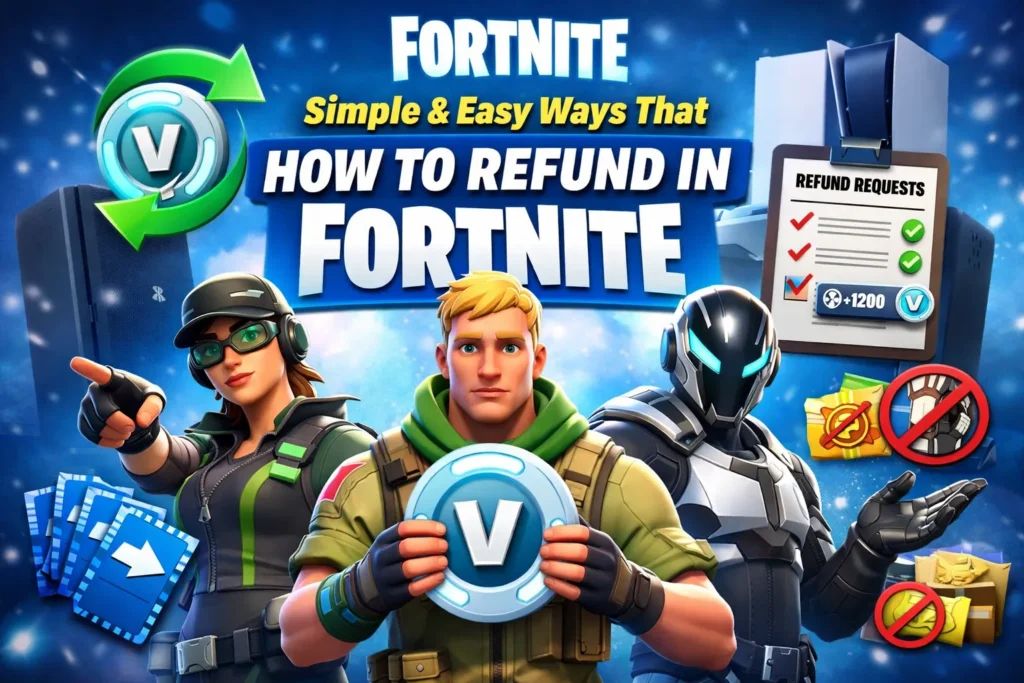
You can refund items in Fortnite by going to Settings → Account & Privacy → Refund Requests, selecting the item, and confirming the refund. Fortnite gives only 3 lifetime refund tickets, and items must be unused and purchased within 30 days.
Many Fortnite players accidentally buy skins, emotes, or other cosmetic items from the Item Shop and later regret the purchase.
This is very common, especially when items are bought quickly using V-Bucks. Because of this, many players search online to understand how to refund in Fortnite safely and correctly.
Fortnite has a built-in refund system created by Epic Games that allows players to return certain items and get their V-Bucks back.
However, this system has rules, limits, and conditions that every player must understand. You only get a limited number of refund tickets, and once they are used, refunds become difficult. Still, in some cases, Fortnite allows refunds without tickets if the purchase was made by mistake.
In this complete guide, you will learn how to refund in Fortnite without tickets, and how refunds work on Xbox, PS4, and PS5. Every method is explained step by step in simple English, so even beginners can follow easily.
This article also explains refund limits, common mistakes, and important tips to avoid losing refund tickets.
Read Also: Simple & Easy Ways That How to Update Fortnite
How to Refund in Fortnite Without Tickets
Refunding without tickets is possible only in one special situation.
✅ When It Works
- You accidentally bought an item
- You are still on the purchase screen
- You have not used the item
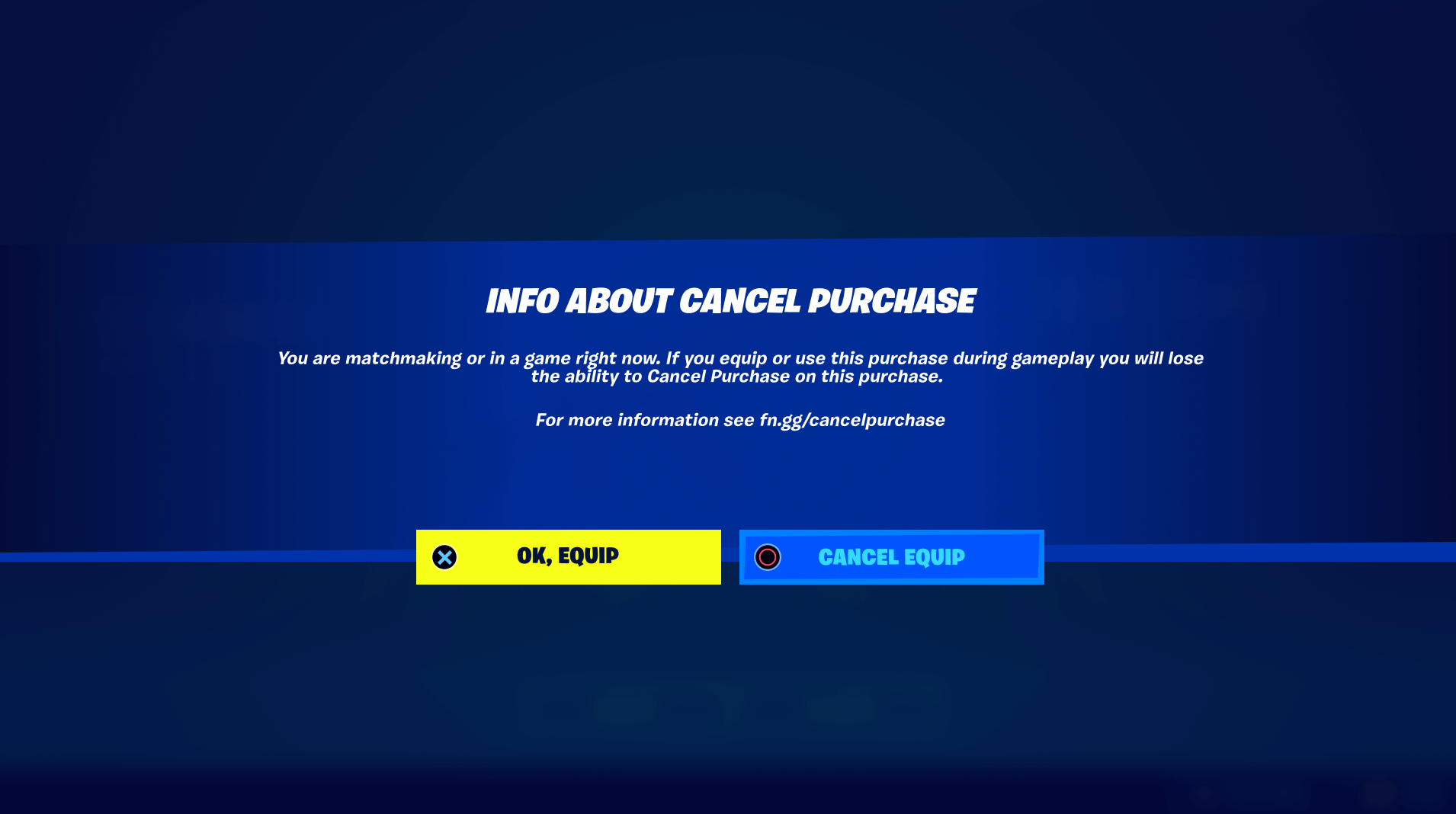
- You see the “Cancel Purchase” button
🪜 Step-by-Step Guide
- Buy an item from the Fortnite Item Shop
- Stay on the purchase confirmation screen
- Click Cancel Purchase
- V-Bucks return instantly
⚠️ Important Notes:
- This option disappears if you exit the screen
- It does not work for old purchases
- It does not consume refund tickets
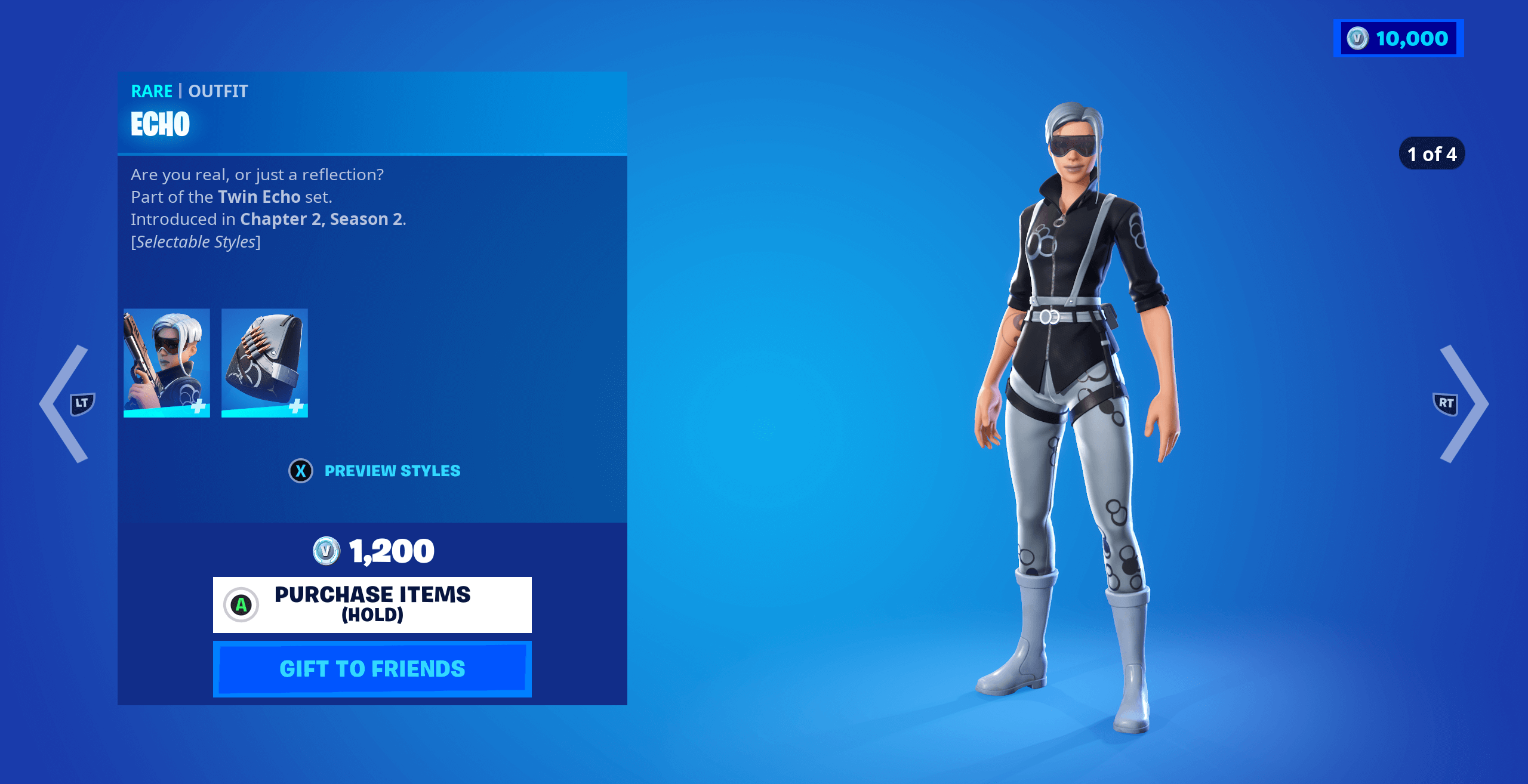
How to Refund in Fortnite Xbox
Xbox players can refund items directly inside Fortnite.
🪜 Step-by-Step
- Open Fortnite on Xbox
- Go to Main Menu
- Open Settings
- Select Account and Privacy
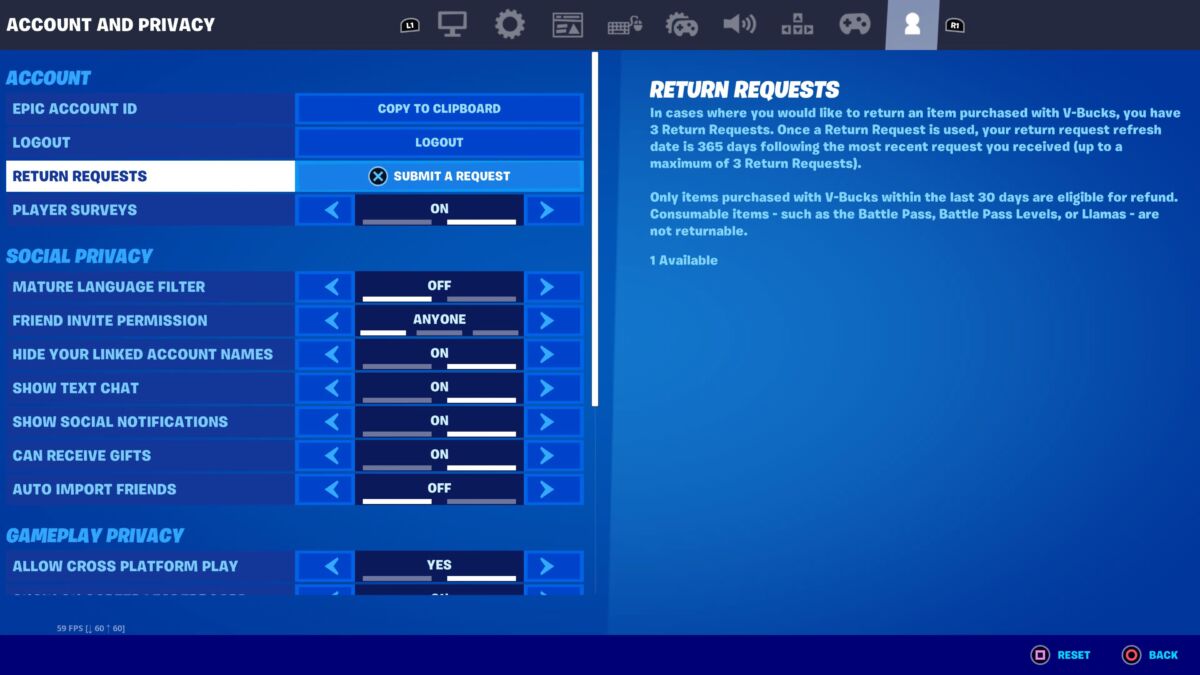
- Click Refund Requests
- Choose the item
- Confirm refund
✔ V-Bucks are returned instantly
Important Rules
- Only 3 lifetime refund tickets
- Items must be under 30 days old
- Used items cannot be refunded
- Battle Pass is not refundable
How to Refund in Fortnite PS4
PS4 refund steps are almost the same.
🪜 Step-by-Step
- Launch Fortnite on PS4
- Open Menu
- Go to Settings
- Select Account and Privacy
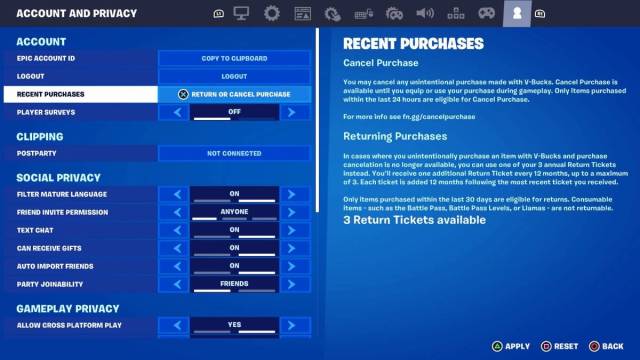
- Click Refund Requests
- Select item
- Confirm refund
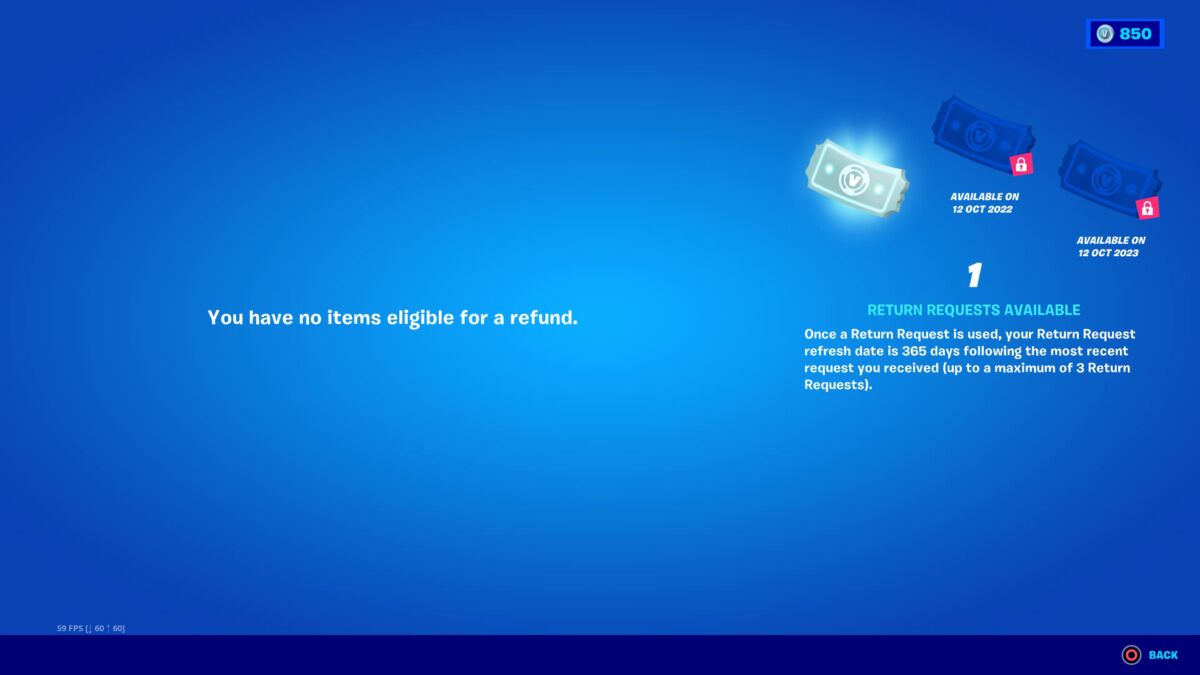
PS4 Refund Rules
- Refund tickets are limited
- Items must be unused
- Only cosmetic items allowed
How to Refund in Fortnite PS5
PS5 follows the same Fortnite refund system.
🪜 Step-by-Step
- Open Fortnite on PS5
- Go to Menu
- Open Settings
- Click Account and Privacy
- Select Refund Requests
- Choose item
- Confirm refund
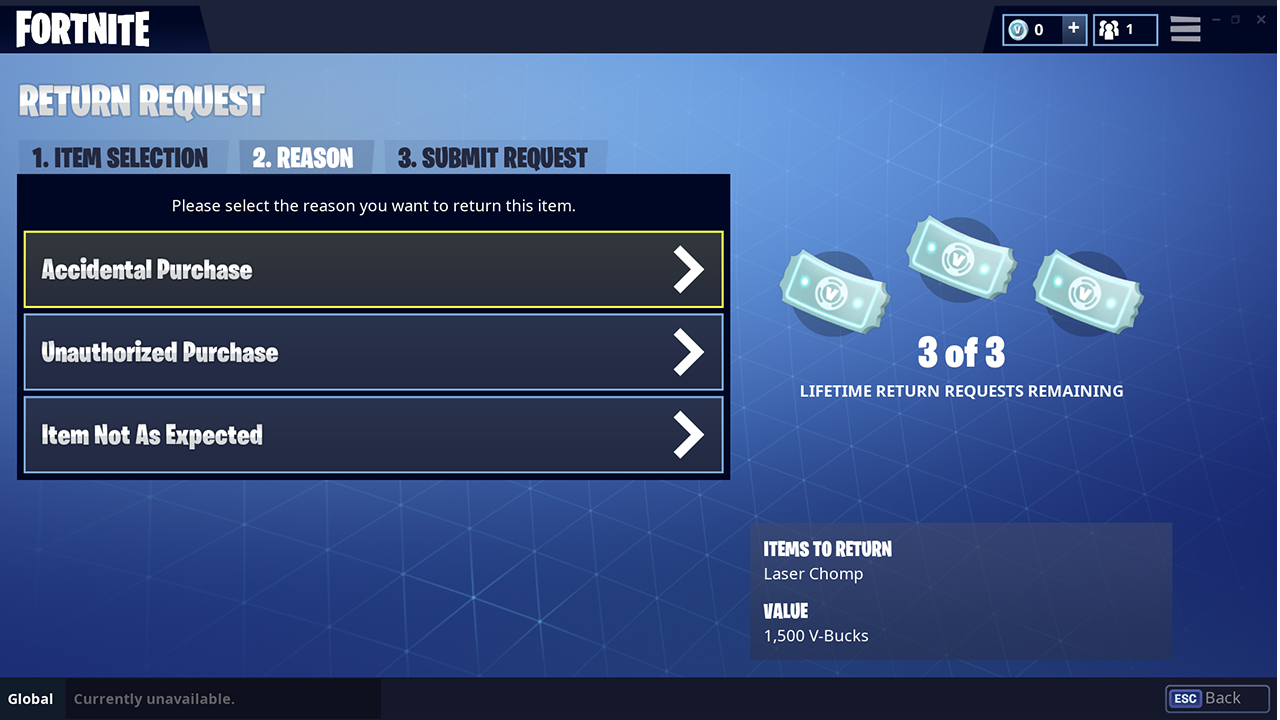

❌ Items You Cannot Refund in Fortnite
- Battle Pass
- Battle Pass tiers
- Used cosmetics
- Free items
- Limited-time bundles
🔎 How to Check Remaining Refund Tickets
- Open Fortnite
- Go to Settings
- Click Account and Privacy
- Select Refund Requests
- View remaining tickets
🚫 Common Mistakes Players Make
- Using tickets on cheap items
- Leaving purchase screen too fast
- Thinking tickets reset every season
- Not previewing items before buying
✅ Conclusion
Understanding how to refund in Fortnite helps players save V-Bucks and avoid frustration. Whether you play on Xbox, PS4, or PS5, Fortnite’s refund system is easy when used correctly.
Always try the Cancel Purchase option first to avoid using refund tickets.
Since refund tickets are limited for life, use them carefully and only for valuable items. By following this guide, you can confidently manage Fortnite refunds without stress.
❓ FAQs – How to Refund in Fortnite
Q1: How many refund tickets does Fortnite give?
You get 3 lifetime refund tickets only.
Q2: Can I refund a used skin?
No, used items cannot be refunded.
Q3: Can I refund Fortnite Battle Pass?
No, Battle Pass is non-refundable.
Q4: How long do refunds take?
Refunds are instant.
Q5: Is refund system same on all platforms?
Yes, Fortnite refund system is the same on Xbox, PS4, and PS5.